
Blog Post
How I Audit a Slow Ecommerce Site (and Usually Cut Load Time by 30–60%)
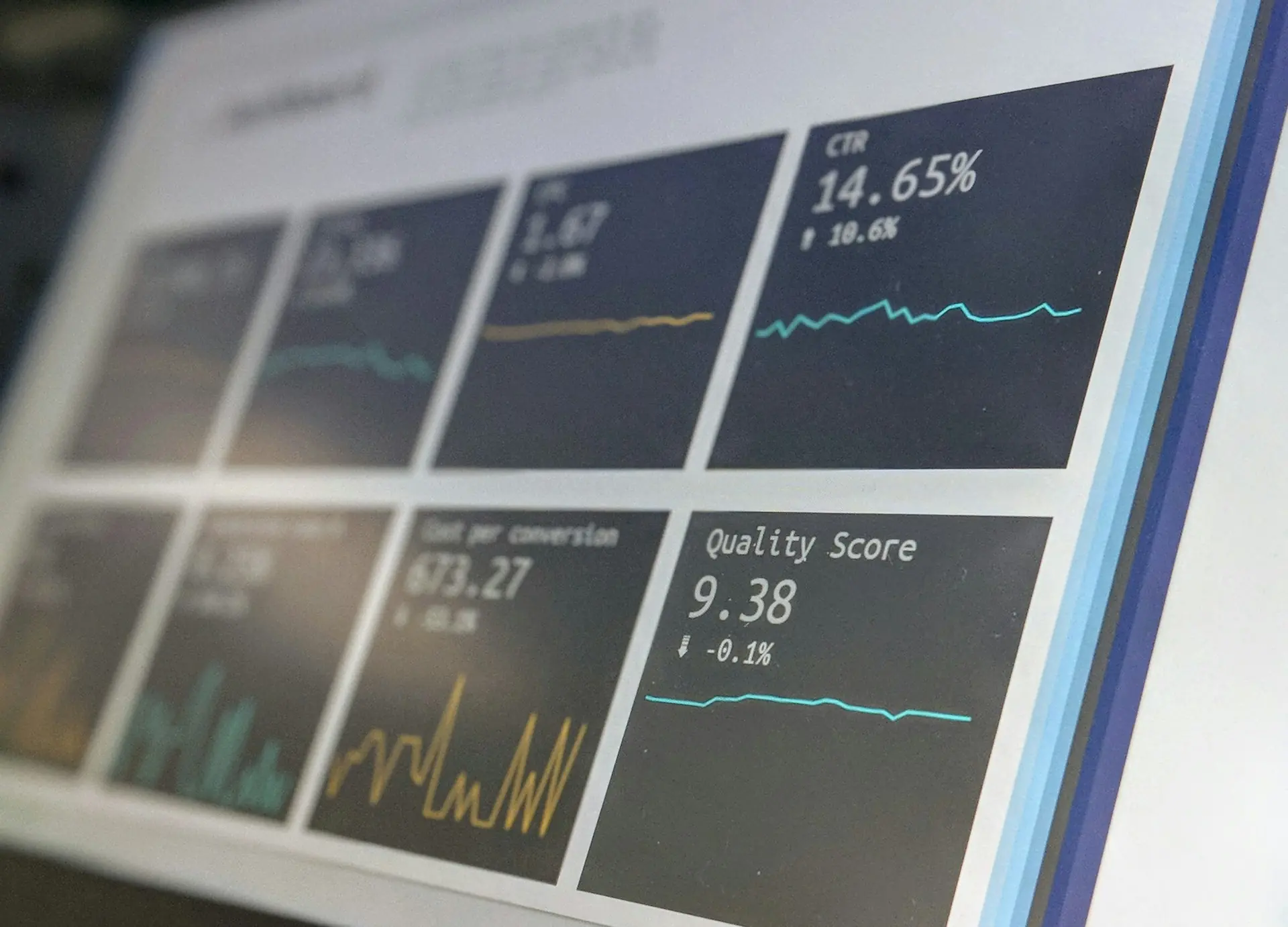
If your store works but feels slow, you’re paying a hidden conversion tax. My audit process is operator-grade and repeatable:
- Measure the funnel with real-user data (Core Web Vitals + server timings), not opinions.
- Fix the big rocks first: LCP images, render-blocking JS, caching/CDN, database indexes, and third‑party scripts.
- Add guardrails: performance budgets, regression checks in CI, and monitoring alerts.
On most MERN + Next.js commerce builds, these steps routinely cut load time by 30–60% without a rewrite.
1) Start with the business question (so we don’t optimize the wrong page)
Performance is only useful if it moves revenue. In ecommerce/fintech, I usually prioritize in this order:
- Landing → PDP (first impression + discovery)
- PDP → Add to Cart (interaction readiness)
- Cart → Checkout (trust + speed)
- Checkout success (payment latency + failures)
My audit target list
- Home
- Category/Collection (PLP)
- Product Detail (PDP)
- Cart
- Checkout (hosted / embedded)
- Post-purchase / order status
For each page, I want:
- Median and p75 LCP, INP, CLS
- Median and p75 TTFB
- Conversion rate and drop-off at each step
2) Establish a baseline with Real User Monitoring (RUM)
Lab tests are great, but RUM tells you what buyers experience on real devices, real networks, real geos.
Minimum telemetry I add
- Core Web Vitals (LCP/INP/CLS)
- Navigation timing + resource timing (so we can identify the LCP resource)
- Route name (PDP/PLP/cart/checkout)
- User context (country, device class)
If you’re on Next.js, Vercel Analytics can help—but I often add a lightweight RUM snippet (or Sentry Performance) for control and debugging.
Example: send basic web-vitals to an API route (Next.js)
// app/_components/vitals.ts (or pages/_app.ts)
import { onCLS, onINP, onLCP } from 'web-vitals';

type MetricPayload = {
  id: string;
  name: string;
  value: number;
  rating?: string;
  route: string;
};

function send(metric: any) {
  const payload: MetricPayload = {
    id: metric.id,
    name: metric.name,
    value: metric.value,
    rating: metric.rating,
    route: window.location.pathname,
  };

  navigator.sendBeacon('/api/vitals', JSON.stringify(payload));
}

export function initVitals() {
  onCLS(send);
  onINP(send);
  onLCP(send);
}
3) Add server timing so you can separate “frontend slow” vs “backend slow”
A lot of teams treat TTFB like a mystery. I don’t—I instrument it.
Express middleware: request timing via Server-Timing
import responseTime from 'response-time';

app.use(
  responseTime((req, res, time) => {
    res.setHeader('Server-Timing', `app;dur=${time.toFixed(1)}`);
  })
);
Then add specific timings around DB and external calls (shipping/tax/reviews/recommendations).
4) My “30–60% wins” checklist (highest ROI first)
A) LCP image and above-the-fold assets (most common)
For ecommerce, LCP is usually the hero banner (home/PLP) or main product image (PDP).
Fixes that consistently move the needle:
- Use
next/imageproperly (explicit width/height, avoid layout shift) - Preload the LCP image (
priorityin Next.js) - Serve WebP/AVIF via CDN
- Compress aggressively (quality 70–80 is often fine)
- Avoid carousels that load 8 images at once
import Image from 'next/image';

<Image
  src={product.heroImageUrl}
  alt={product.title}
  width={900}
  height={900}
  priority
  sizes="(max-width: 768px) 100vw, 50vw"
/>
B) JavaScript weight + hydration cost (INP killer)
Common Next.js commerce anti-patterns:
- Shipping the whole reviews widget to everyone
- Too many client components on PDP
- Tracking scripts loaded synchronously
Fix pattern:
- Keep PDP server-rendered where possible
- Lazy-load non-critical widgets (reviews, recommendations)
- Replace heavy libs with lighter ones
import dynamic from 'next/dynamic';

const Reviews = dynamic(() => import('./Reviews'), {
  ssr: false,
  loading: () => null,
});
C) Caching strategy (TTFB killer)
I’m strict about caching for catalog-like pages:
- PDP/PLP data: cache at CDN/edge when feasible
- API responses: cache per key (currency, country, logged-in state)
- Avoid
no-storeeverywhere unless it’s truly sensitive
If you can’t cache the full HTML, cache the API feeding it.
Example: Redis cache wrapper for PDP data
import crypto from 'crypto';

function cacheKey(obj) {
  return crypto.createHash('sha1').update(JSON.stringify(obj)).digest('hex');
}

async function getCached(redis, key, ttlSec, fn) {
  const hit = await redis.get(key);
  if (hit) return JSON.parse(hit);
  const value = await fn();
  await redis.setex(key, ttlSec, JSON.stringify(value));
  return value;
}

const key = 'pdp:' + cacheKey({ slug, currency, country });
const product = await getCached(redis, key, 60, () => fetchProduct(slug));
D) MongoDB indexes (slow queries = slow pages)
On ecommerce schemas, the biggest performance problems are:
- Unindexed filters on PLP
- Sorting without index
- Regex search without a plan
Typical index set I add early:
products: { status: 1, categoryId: 1, price: 1 }products: { status: 1, brandId: 1, createdAt: -1 }orders: { userId: 1, createdAt: -1 }carts: { userId: 1, updatedAt: -1 }
If you need search, don’t brute-force with regex—use MongoDB Atlas Search or a real search engine.
E) Third-party scripts (quiet performance killers)
Fraud tools, chat widgets, A/B testing, heatmaps—each adds JS, network, and main-thread work.
Rules I apply:
- Load scripts after interaction / idle
- Audit every tag in GTM
- Put heavy scripts behind consent
5) A practical audit flow I run in ~90 minutes
Step 1 — Funnel map + target pages (10 min)
- Confirm revenue-critical routes
- Confirm device split (mobile vs desktop)
- Confirm top countries (latency matters)
Step 2 — RUM snapshot (15 min)
- Pull p75 vitals by route
- Identify top 2 worst routes by LCP/INP
Step 3 — Lab + throttling (15 min)
- Lighthouse (mobile)
- WebPageTest (simulate 4G)
- Capture waterfall + CPU breakdown
Step 4 — Backend timings (20 min)
- Add Server-Timing for app/db/external calls
- Check slow queries + index coverage
- Check external APIs (shipping/tax/payment)
Step 5 — Quick wins + plan (30 min)
- Pick 5 changes with highest expected lift
- Define success metrics + rollback plan
6) Performance budgets + regression prevention (how you keep it fast)
Most stores become slow again because there’s no guardrail. My minimum:
Budgets I enforce
- JS shipped to initial route: < 170KB gzip (mobile target)
- Images: LCP image < 200KB (ideally < 120KB)
- API TTFB (p75): < 300–500ms for PDP data
Automated checks
- Lighthouse CI for core routes (fail build if budget exceeded)
- Bundle analyzer in PRs
- Alerts on RUM p75 regression (week-over-week)
7) Where fintech-style thinking helps ecommerce speed
If you’ve built payment/ledger systems, you already know: reliability is engineered.
Apply the same mindset to performance:
- Make expensive calls observable (timings, retries, timeouts)
- Cache deterministic results (tax/shipping quotes with TTL)
- Use queues for non-critical work (emails, CRM sync, review ingestion)
Example: push non-critical post-action work to BullMQ:
import { Queue } from 'bullmq';

const eventsQueue = new Queue('events', {
  connection: { host: 'localhost', port: 6379 },
});

await eventsQueue.add(
  'track-add-to-cart',
  { userId, sku, ts: Date.now() },
  { removeOnComplete: true }
);
Your request path stays fast; your ops workload stays reliable.
Final checklist (copy/paste)
- RUM installed and reporting vitals by route (PDP/PLP/cart/checkout)
- Server-Timing shows app/db/external call durations
- LCP image optimized + preloaded (
next/image+priority) - Non-critical widgets lazy-loaded (reviews/recommendations/chat)
- Caching strategy defined (what is cacheable, TTL, cache keys)
- Mongo indexes added for top filters/sorts (verify with
explain()) - Third-party tags audited and deferred
- Performance budgets + Lighthouse CI in place
- Alerts on p75 regressions
Want me to run this audit on your store?
If you share your URL + your top 3 revenue pages, I can run a focused performance + conversion audit and hand you a prioritized fix plan (with implementation steps + estimates). If the site is already "vibe-coded" and unstable, I also do a 1–2 week stabilization sprint: fix slow routes, remove regressions, and install monitoring so it stays fast.